
Best FireStick Apps for Kids and Family Entertainment 2026
Best FireStick Apps for Kids and Family Entertainment 2026
Safe, fun, and age-appropriate content apps the whole family will enjoy
Choosing the right streaming apps for families with children means balancing safety features, content variety, and value. These FireStick apps all offer strong kids and family content with parental controls to keep viewing age-appropriate.
Best Apps for Young Children
Disney+Paid
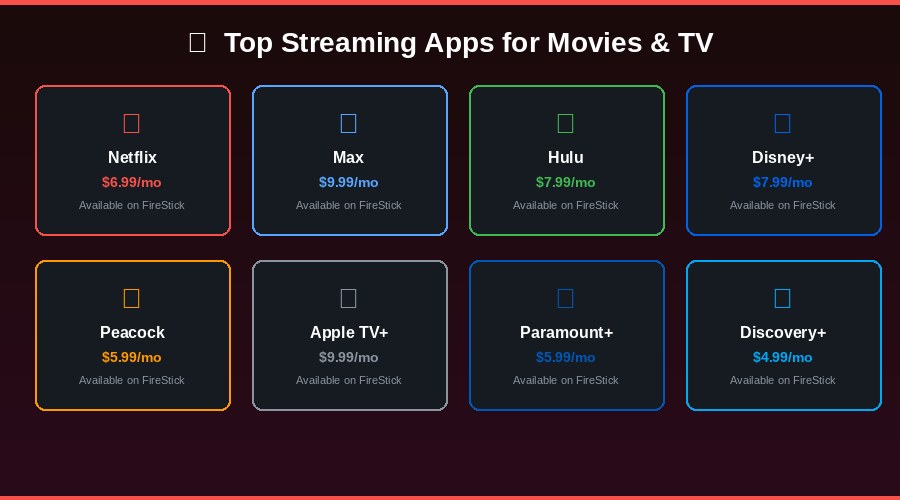
Disney+ is the definitive family streaming app. It covers Disney classics, Pixar movies, Marvel superhero series, Star Wars content, and National Geographic. The Kids Profile feature restricts younger viewers to age-appropriate content automatically. From $7.99/month.
Peacock TVPaid
Peacock includes DreamWorks animated content (Shrek, Kung Fu Panda), Universal Pictures kids movies, and a Kids & Family category. It also includes content from E! and Bravo networks.
Paramount+Paid
Paramount+ carries Nickelodeon and Nickelodeon-owned content – SpongeBob SquarePants, PAW Patrol, Dora, and more. It also has CBS Kids shows. From $5.99/month.
YouTubeFree
YouTube free app on FireStick provides access to millions of family-friendly videos, educational channels, cartoons, and craft videos. Set it to YouTube Kids app for a safer experience for younger children.
Anime for Teens & Young Adults
CrunchyrollPaid
Crunchyroll is the number one anime streaming service with 25,000+ episodes across all major anime titles. It offers dubbed and subtitled content, making it perfect for teen anime fans. A 14-day free trial is available.
Free Family Streaming
Pluto TVFree
Pluto TV includes a Kids mode with dedicated children channels. No subscription or account required – great for weekend movie mornings.
Xumo TVFree
Xumo TV features free family and kids programming alongside its main entertainment content. It partners with quality networks ensuring appropriate content for all ages.
The Roku ChannelFree
The Roku Channel on FireStick includes free kids and family movies alongside its 400+ live channels.